

Ail Blank
Universe is endless, started from a blank. Do endless from a blank.
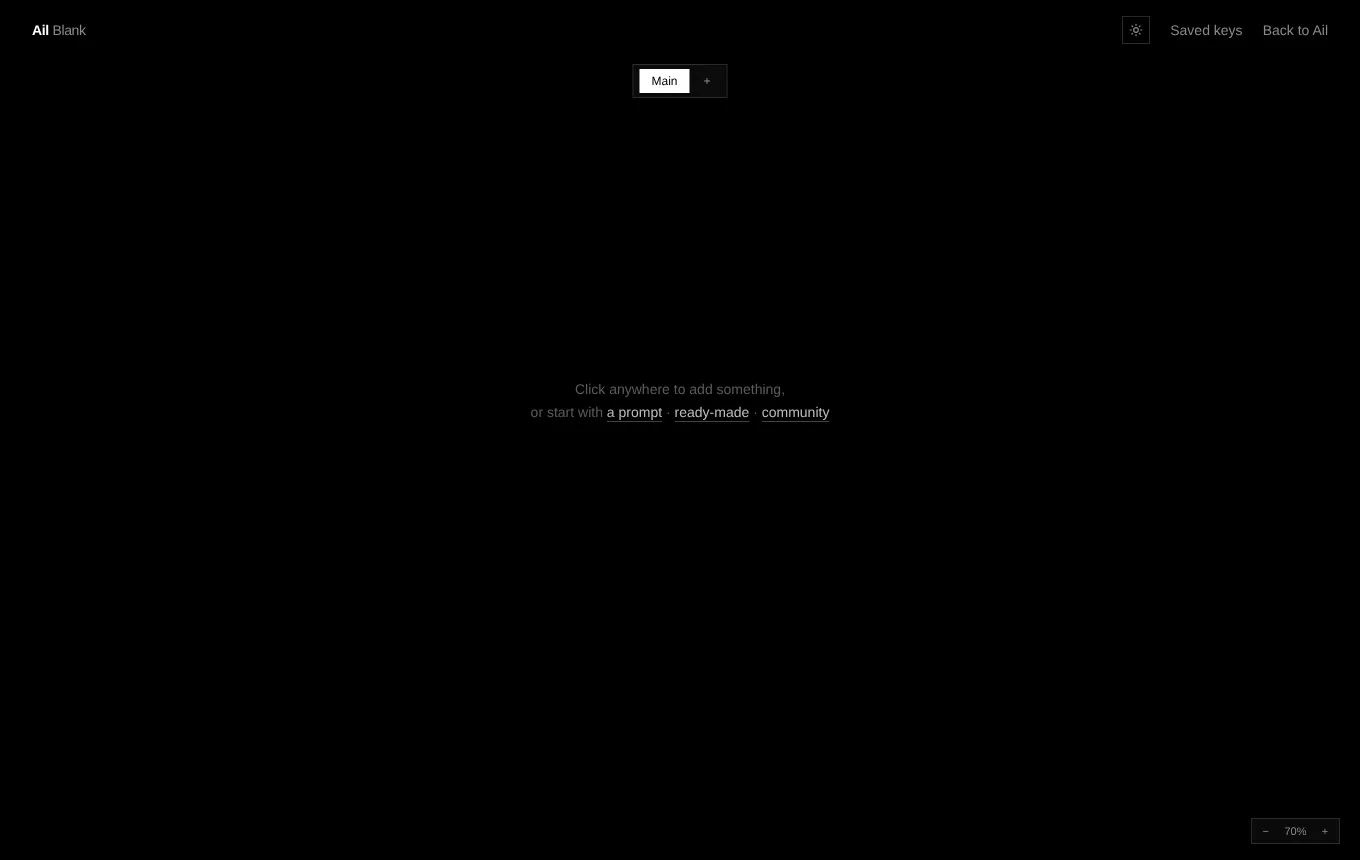
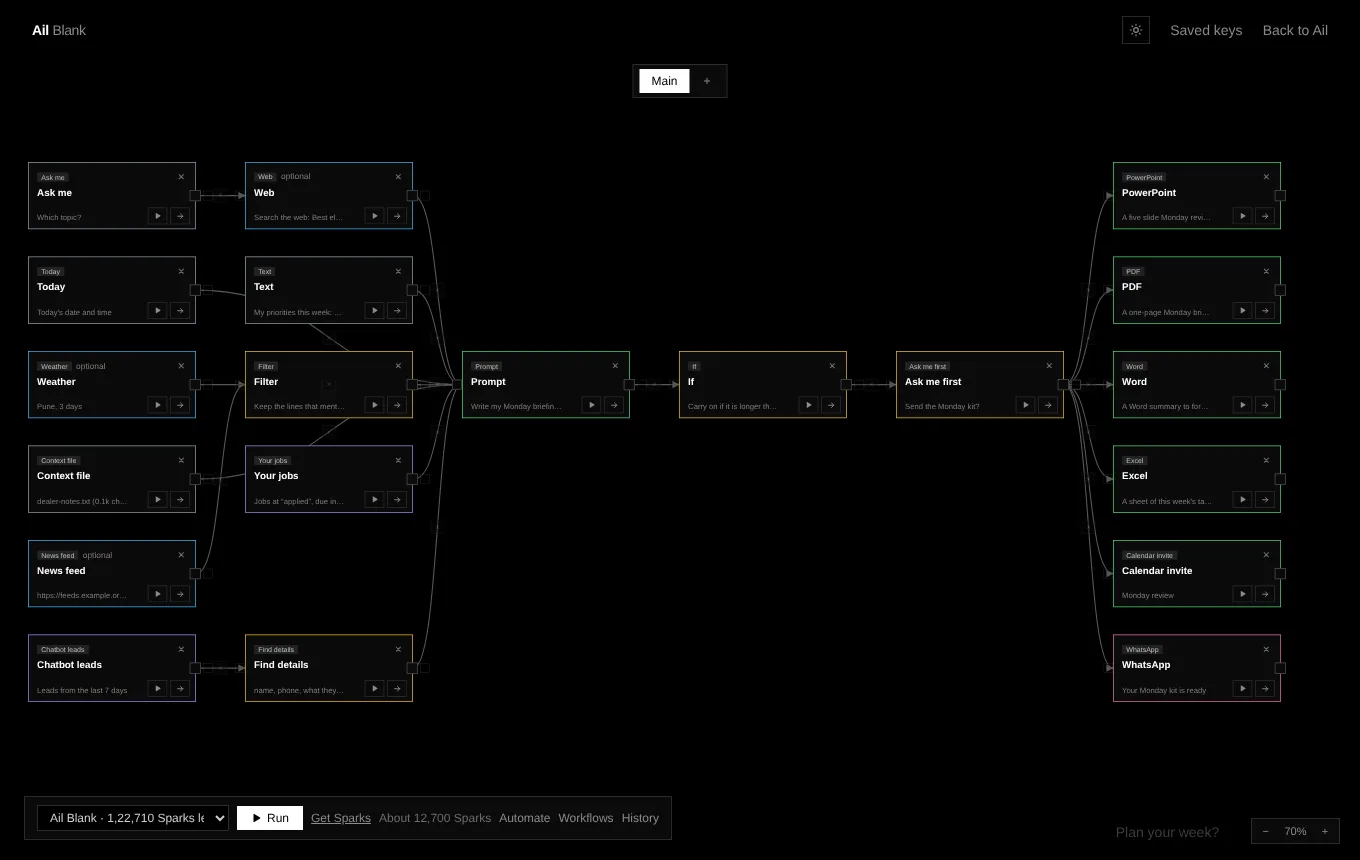
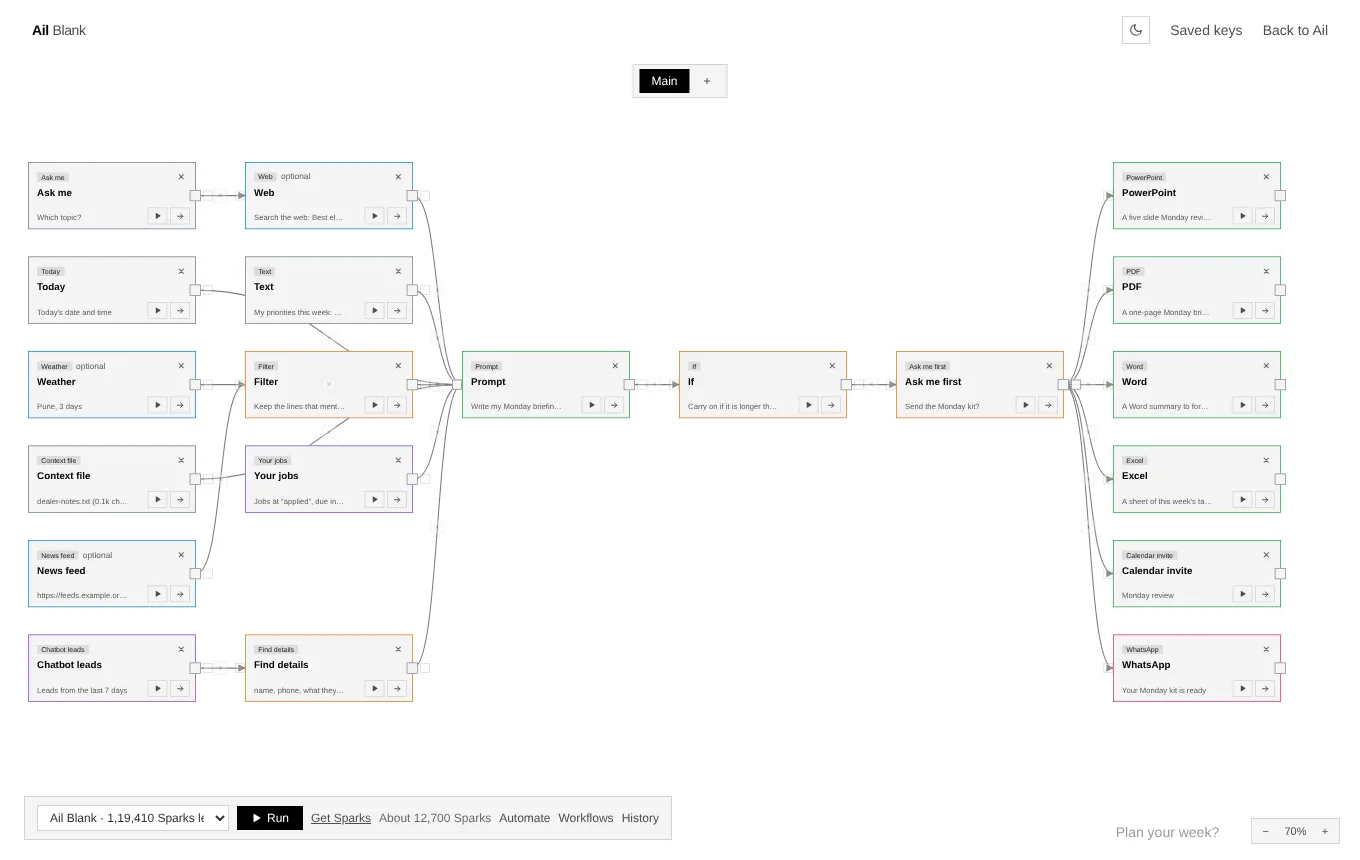
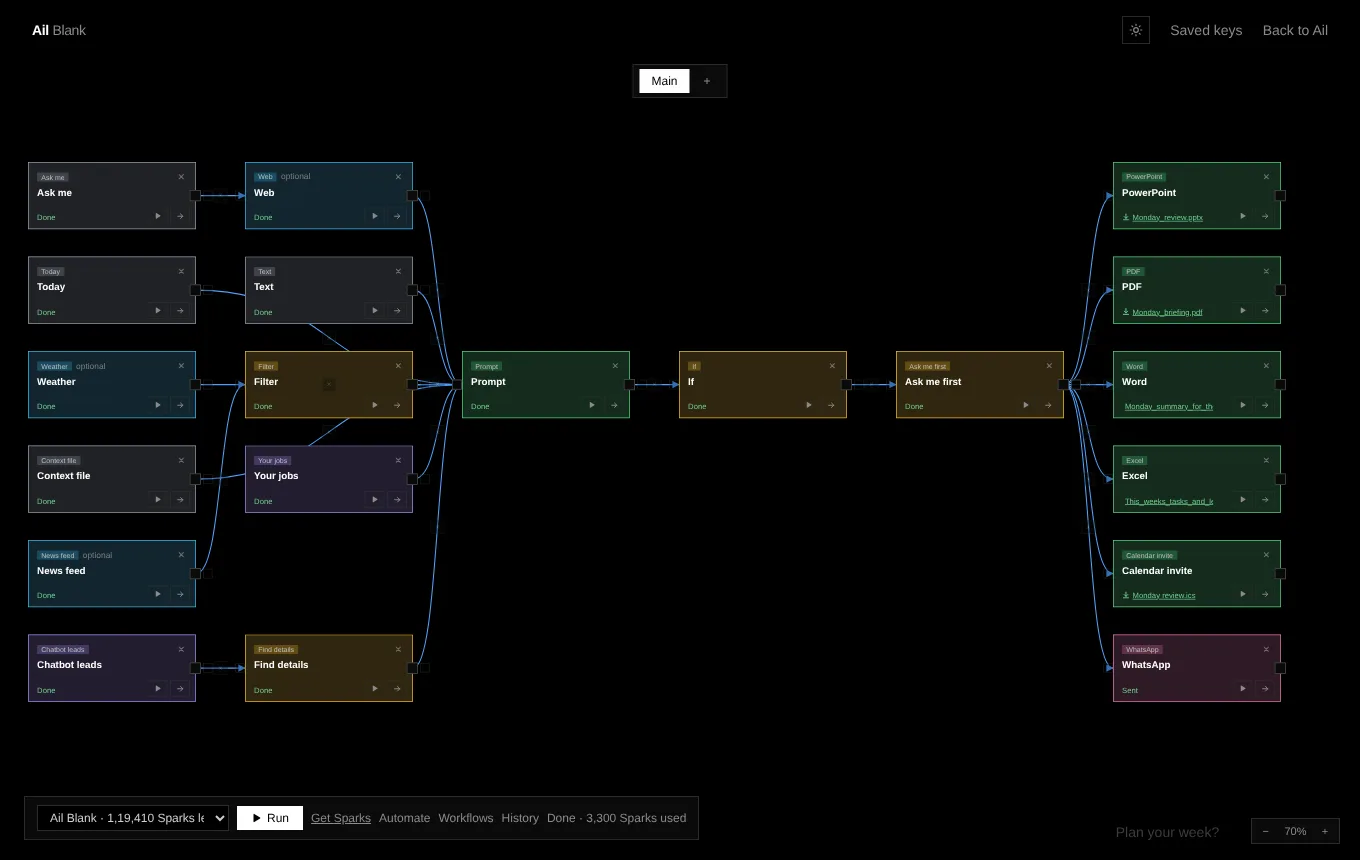
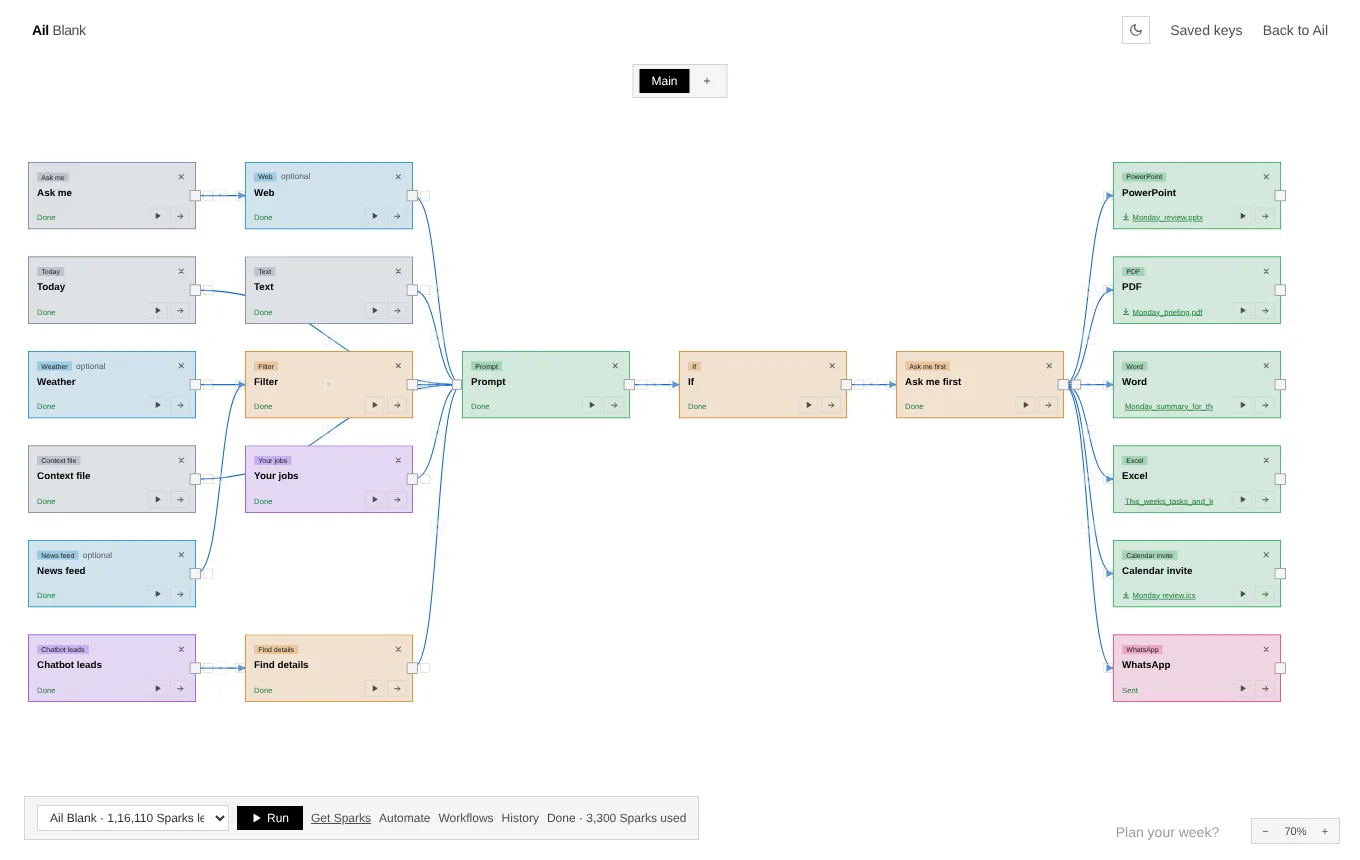
A black screen with nothing on it. Click, add a card, join it to another and press Run. Make workflows, automate them, and schedule them to run by themselves, or start from a ready-made chain shared by the community. Or just say what you want.
- Cards and arrows, no code
- Asks before it sends
- Runs by itself
Watch it run
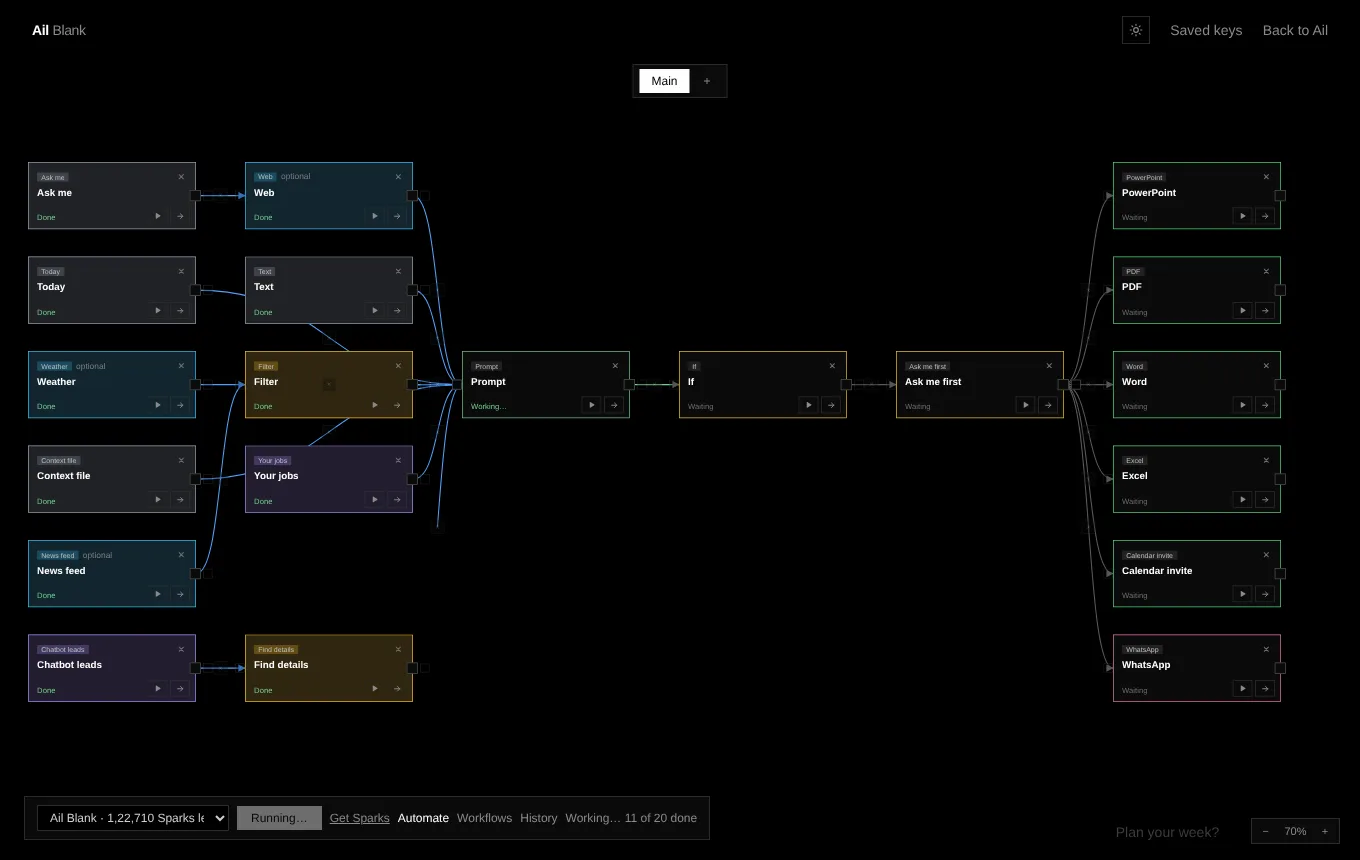
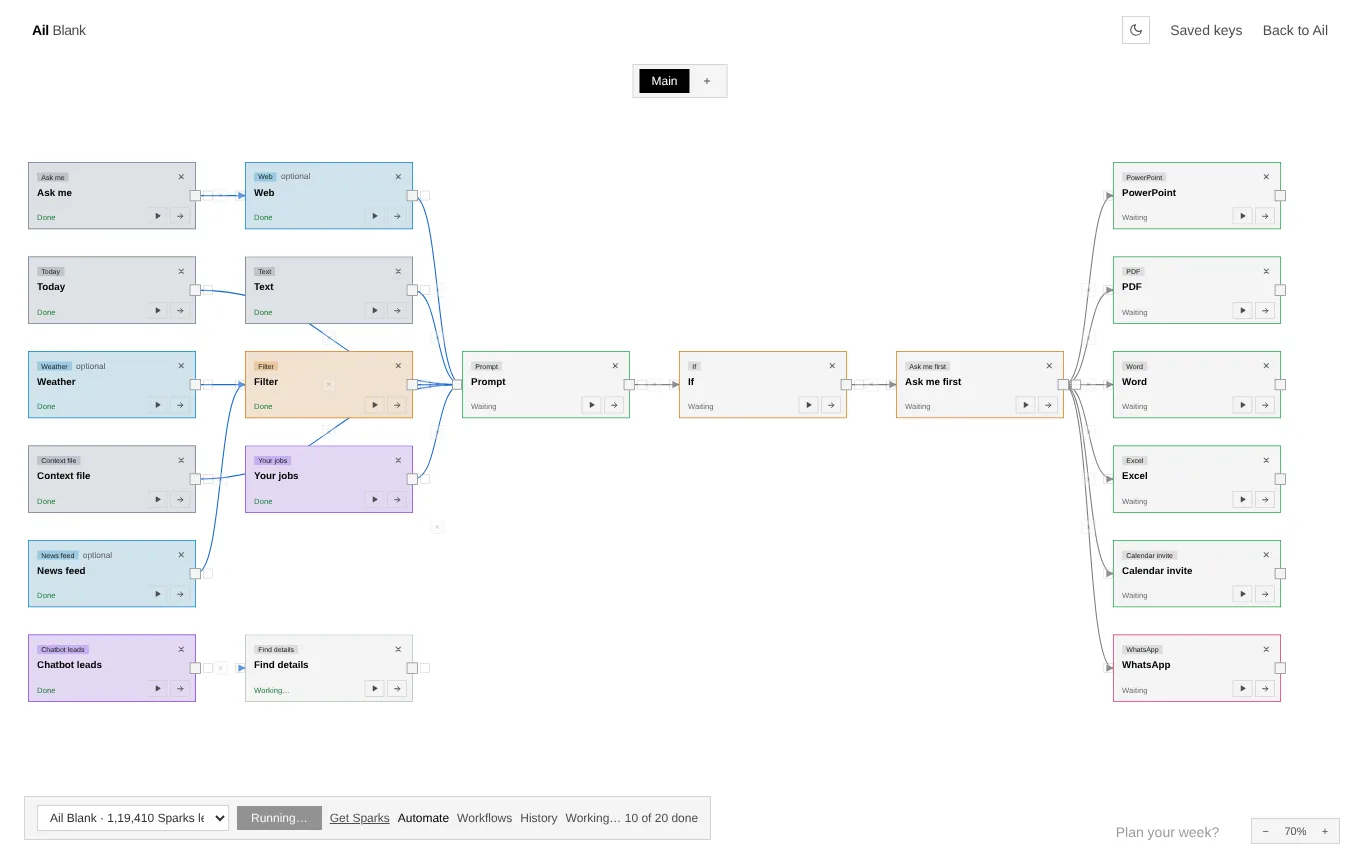
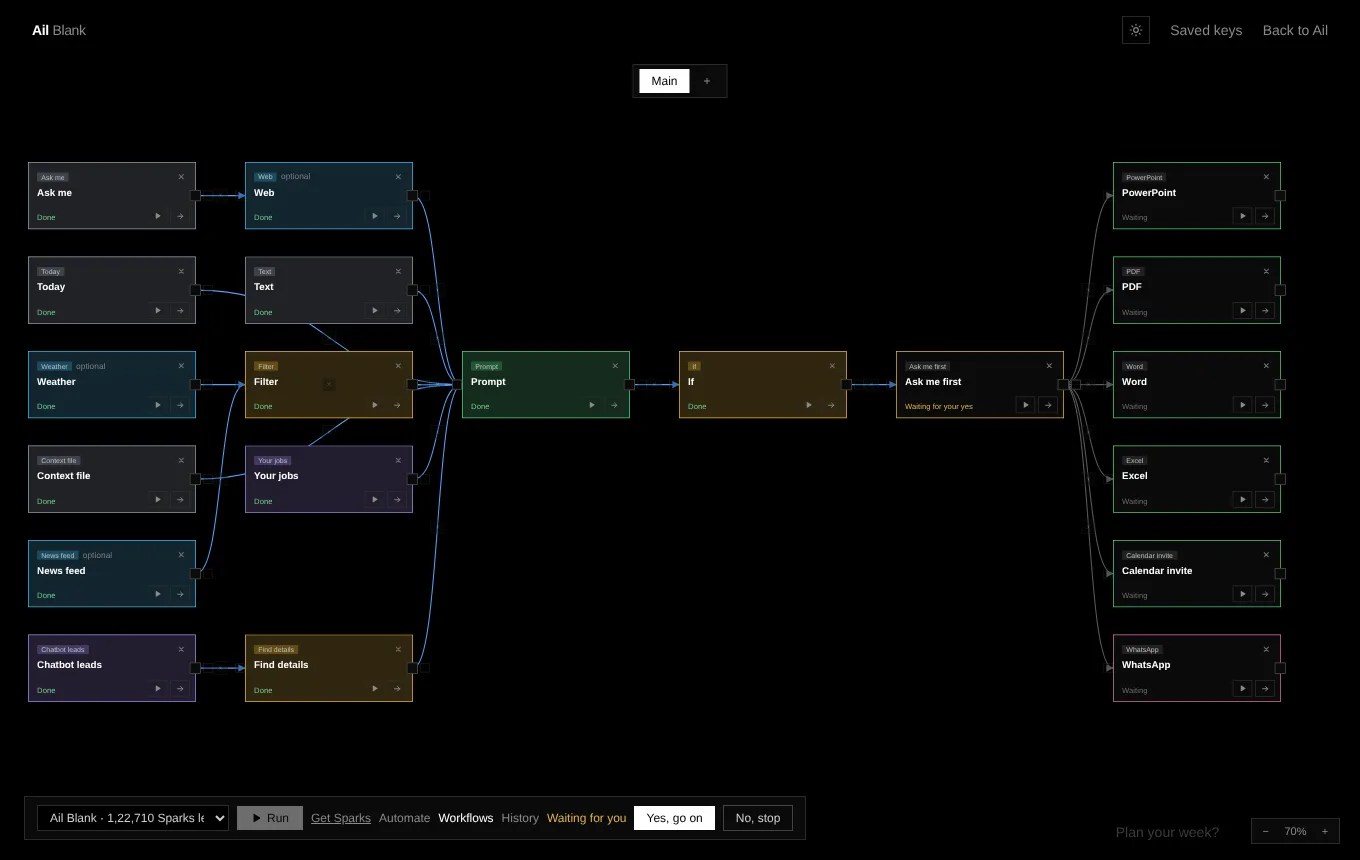
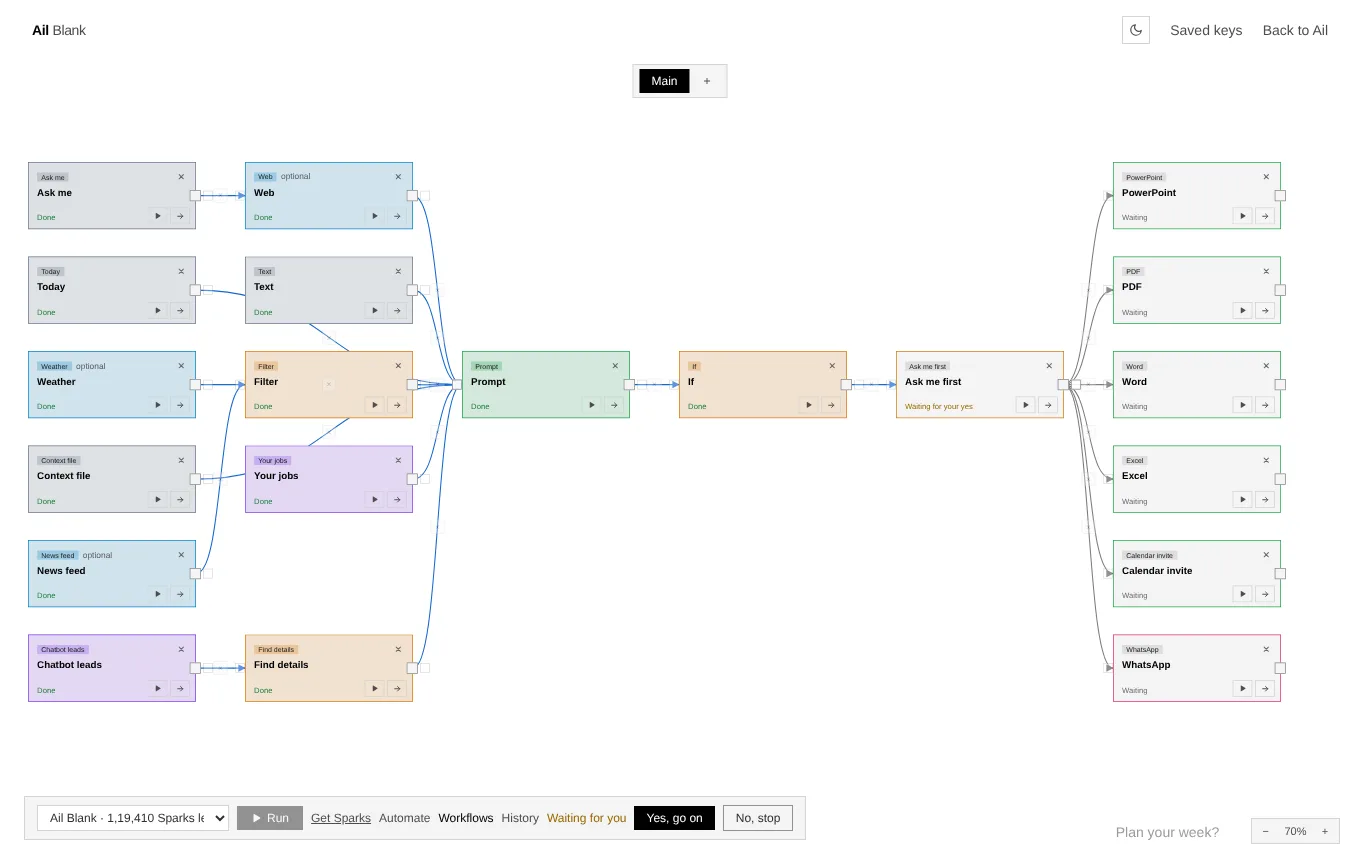
How it works
Four moves, from nothing to done
There is no menu of templates to learn first. The screen starts empty and you decide what goes on it.
- 1
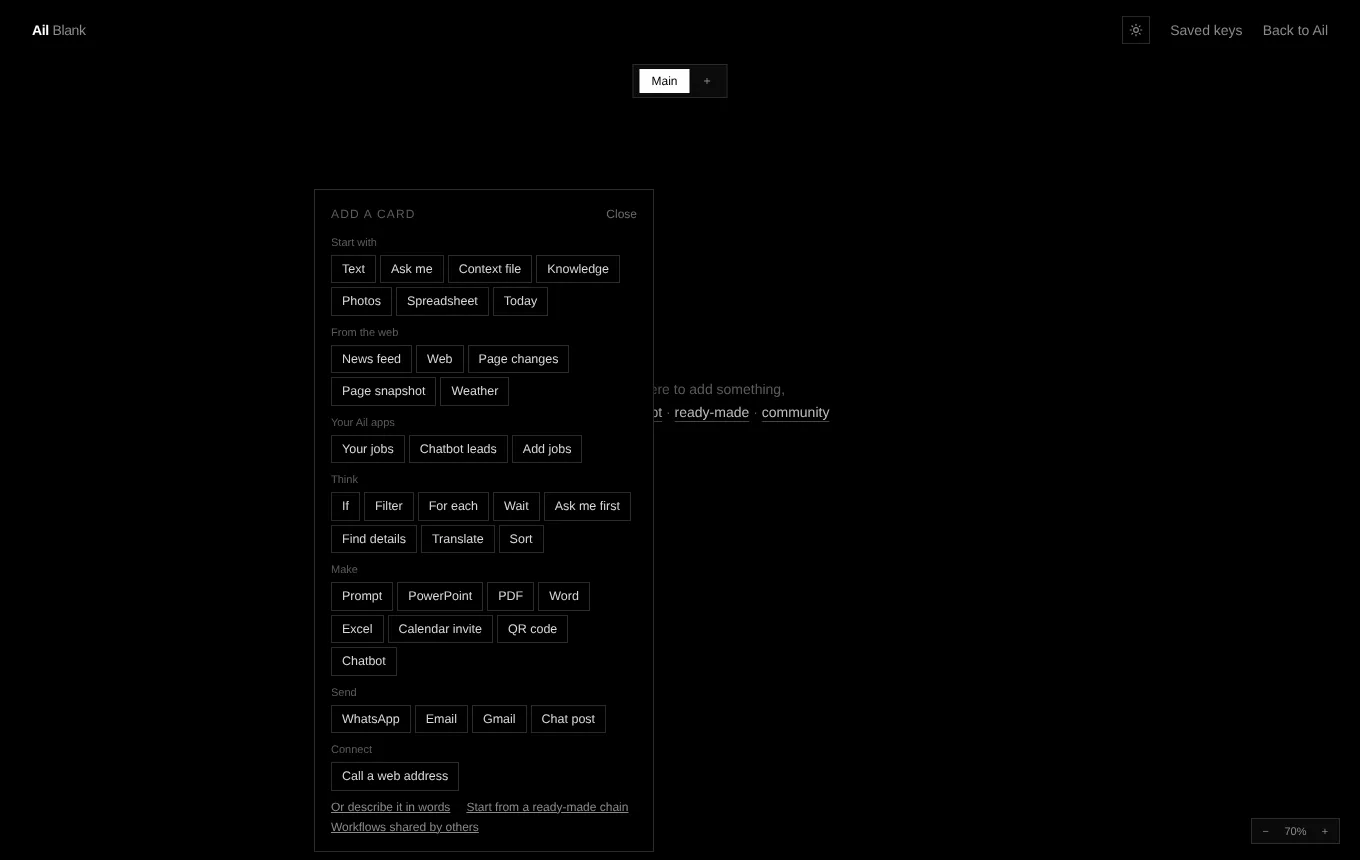
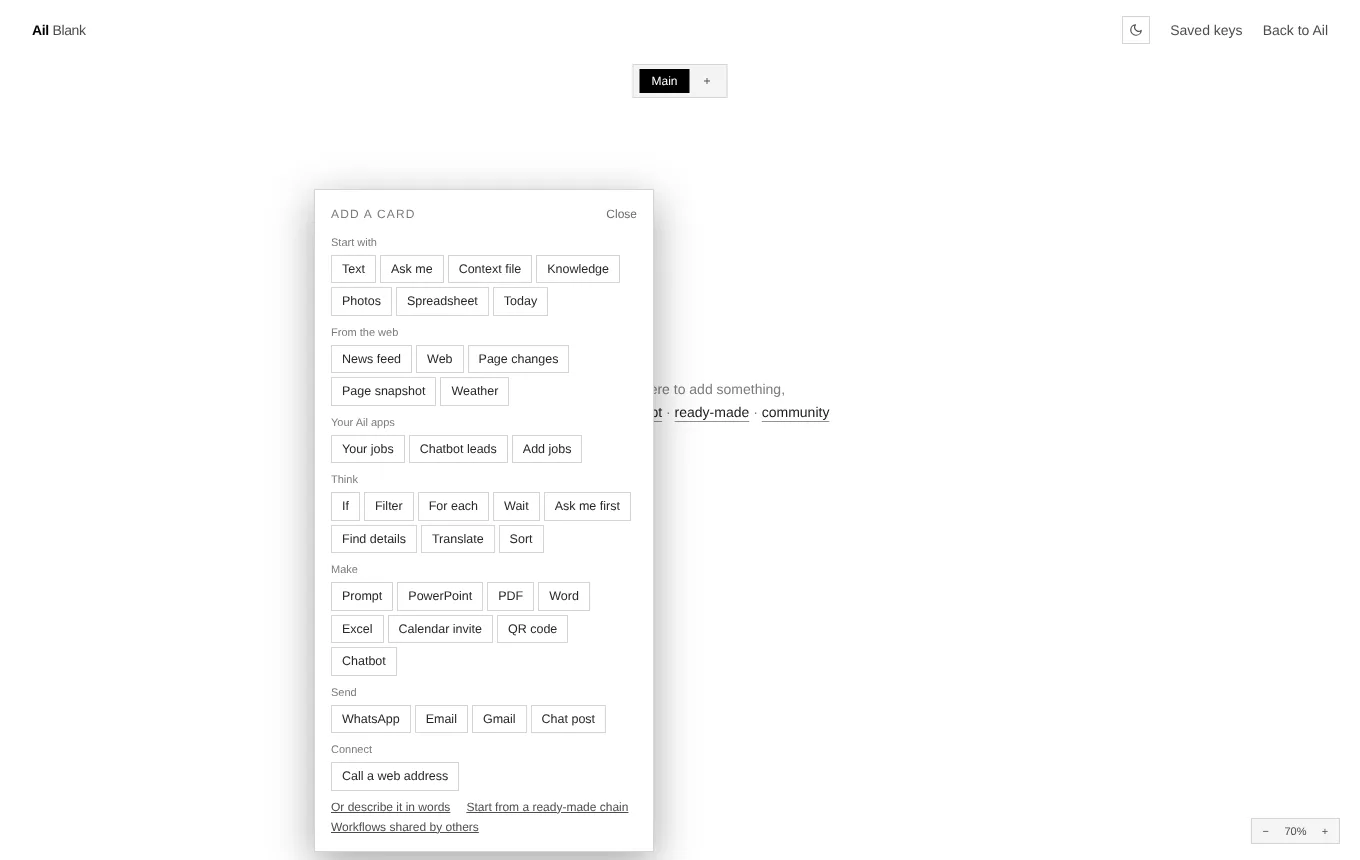
Click and add a card
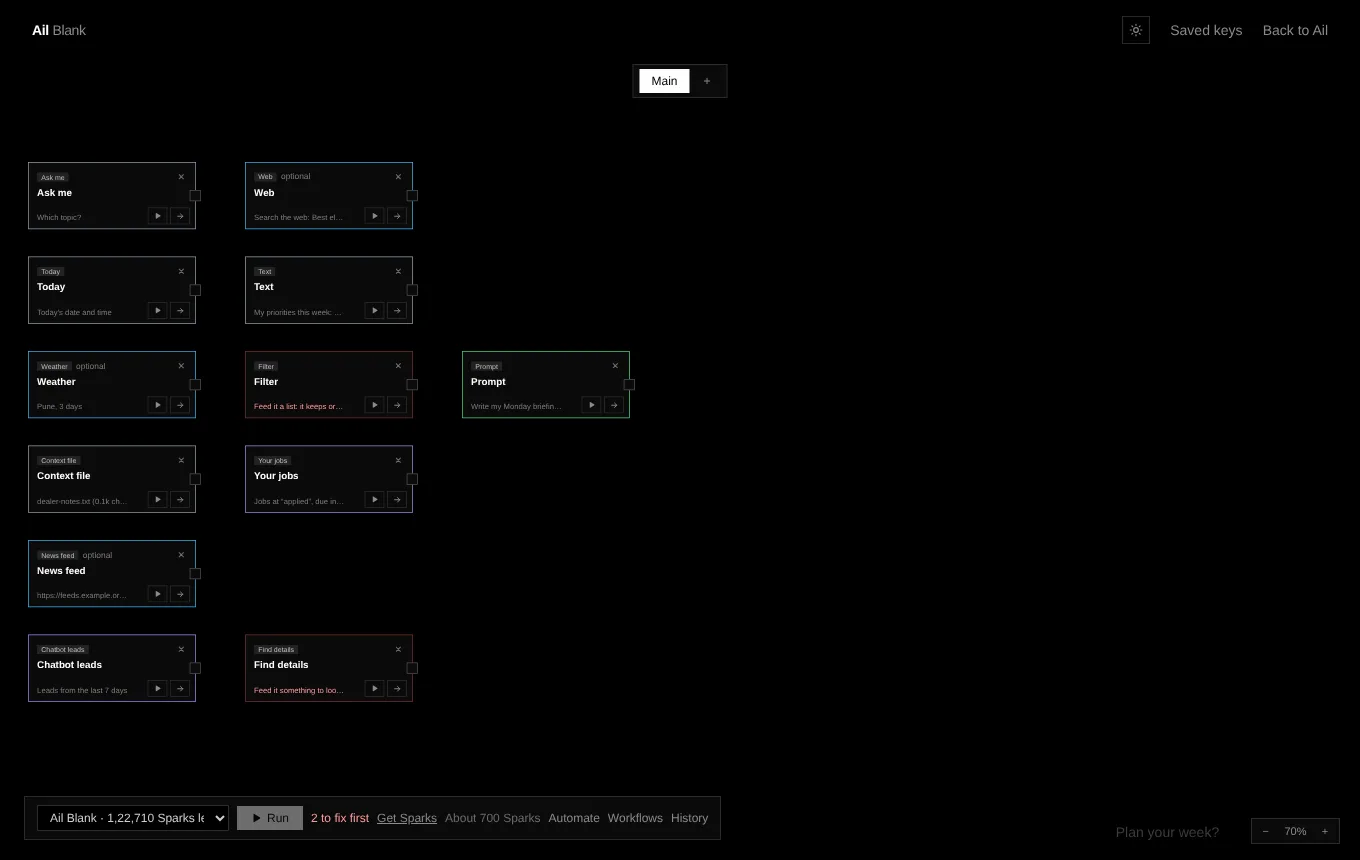
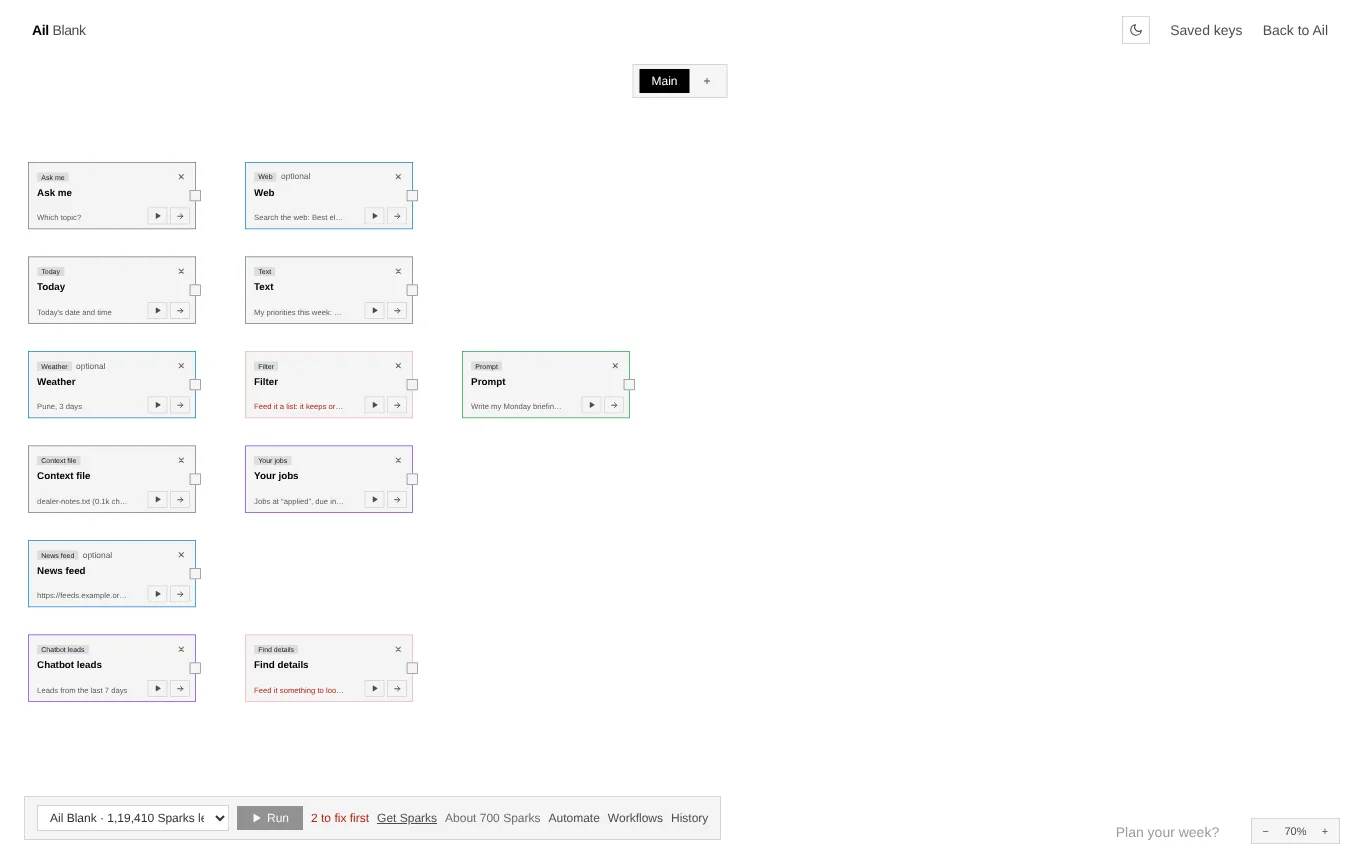
Click anywhere on the black screen and pick a card, or type what you want. Each card does one thing: ask you something, read a page, write, make a file, send a message.
- 2
Join them with arrows
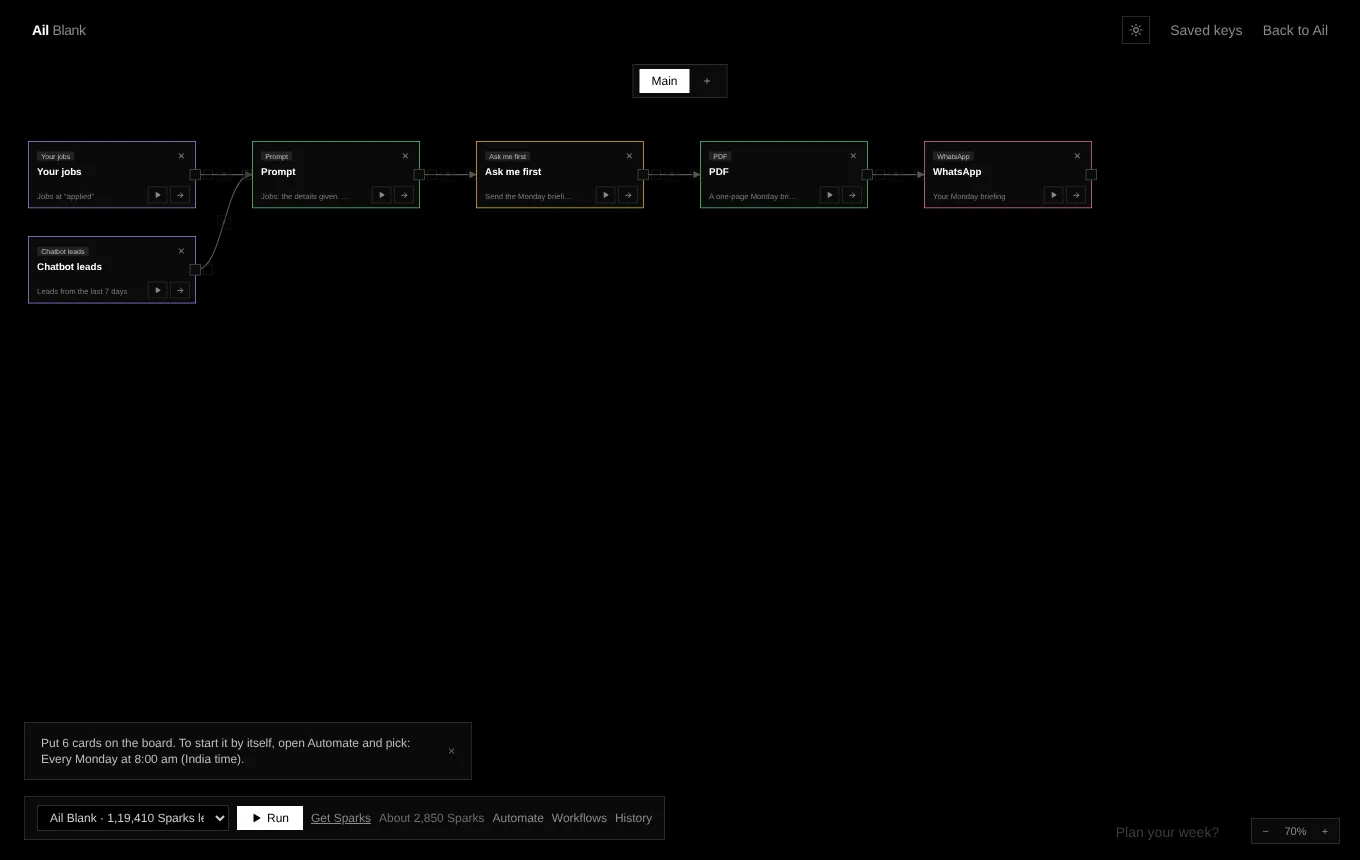
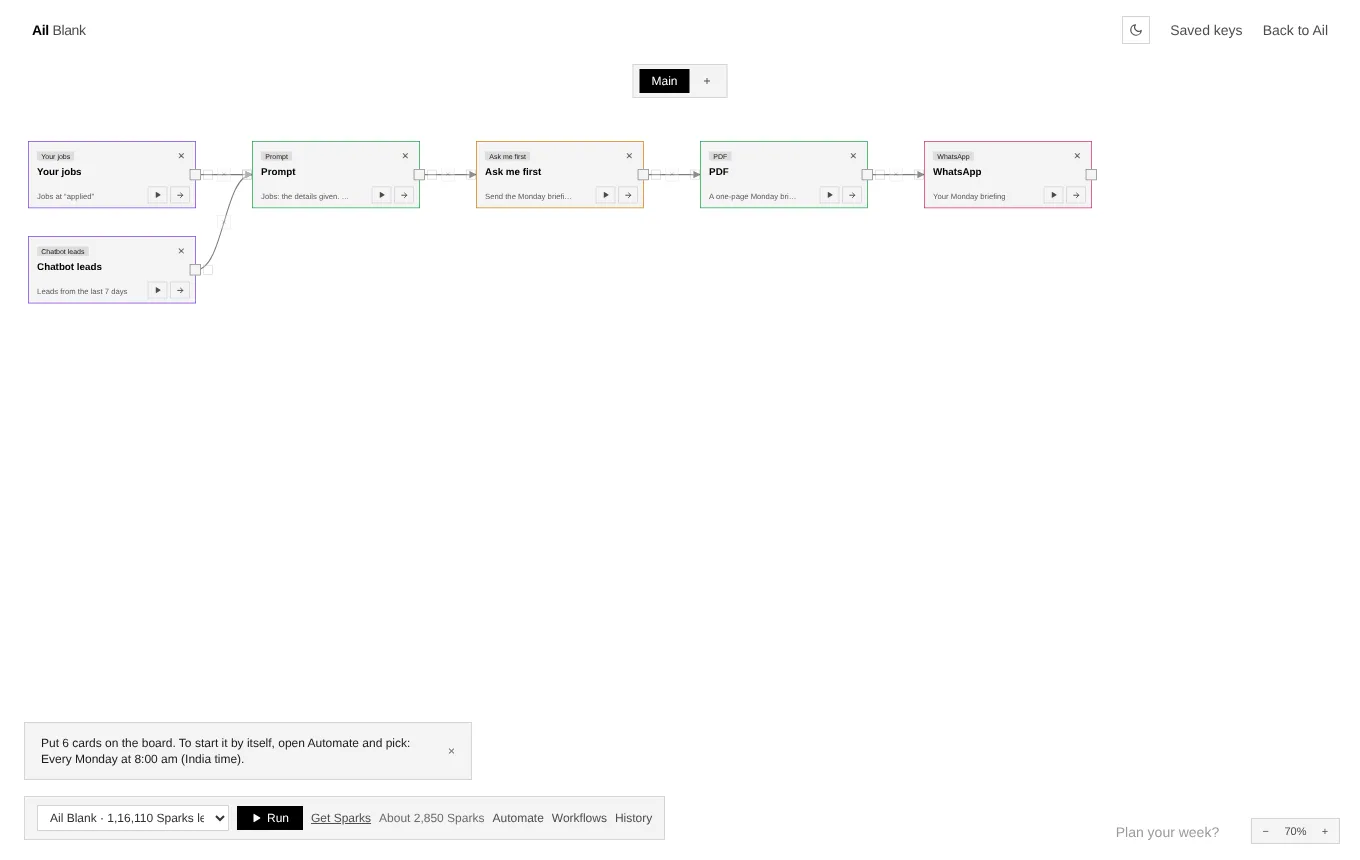
Drag from a card's right edge to the next card. What the first one makes becomes the input of the next, and the arrow turns blue once it has passed it on. Drag an arrow's end to join it somewhere else.
- 3
Press Run
Every card shows what it is doing, and the files it makes appear on the card to open. If a card is not ready it turns red and Run waits.
- 4
Let it run by itself
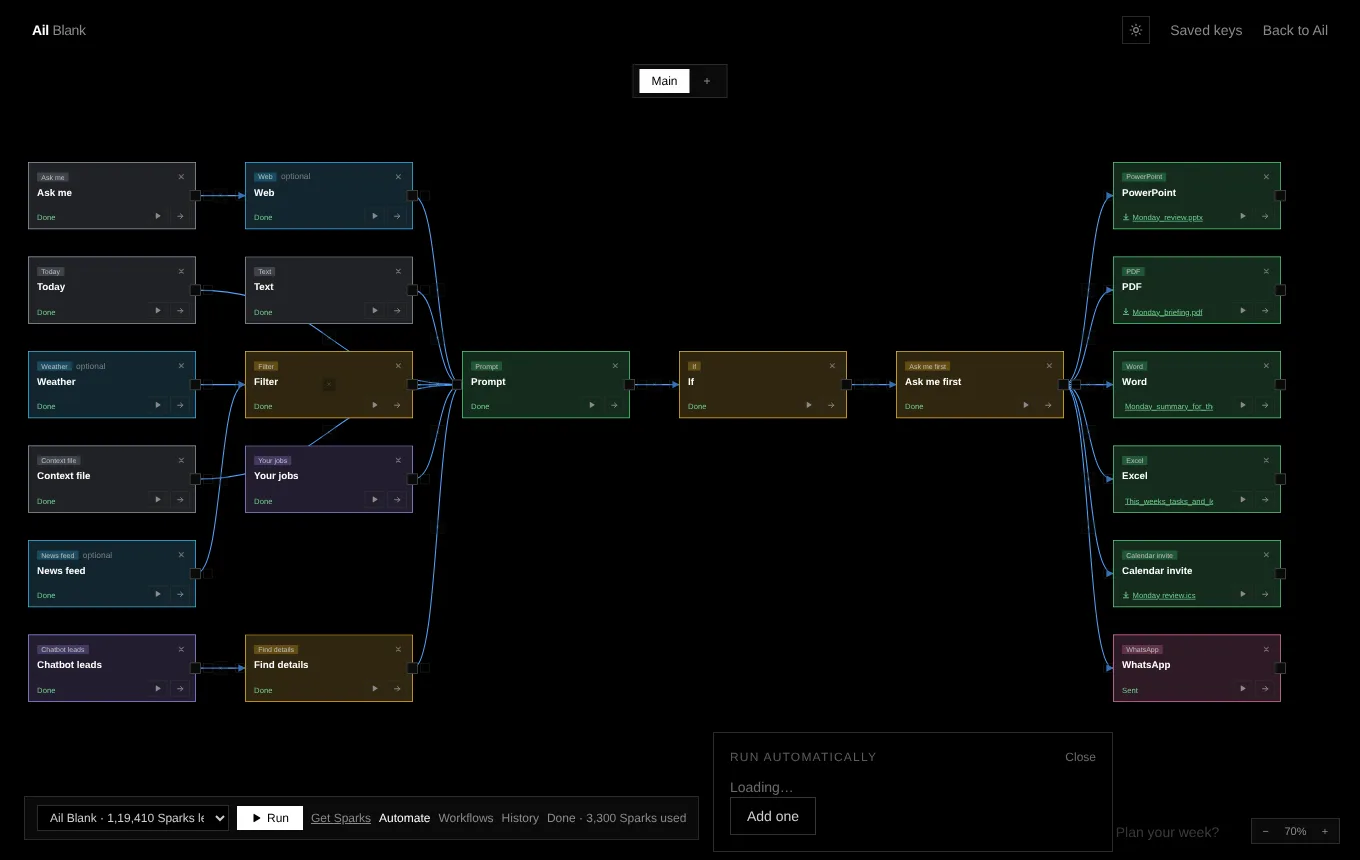
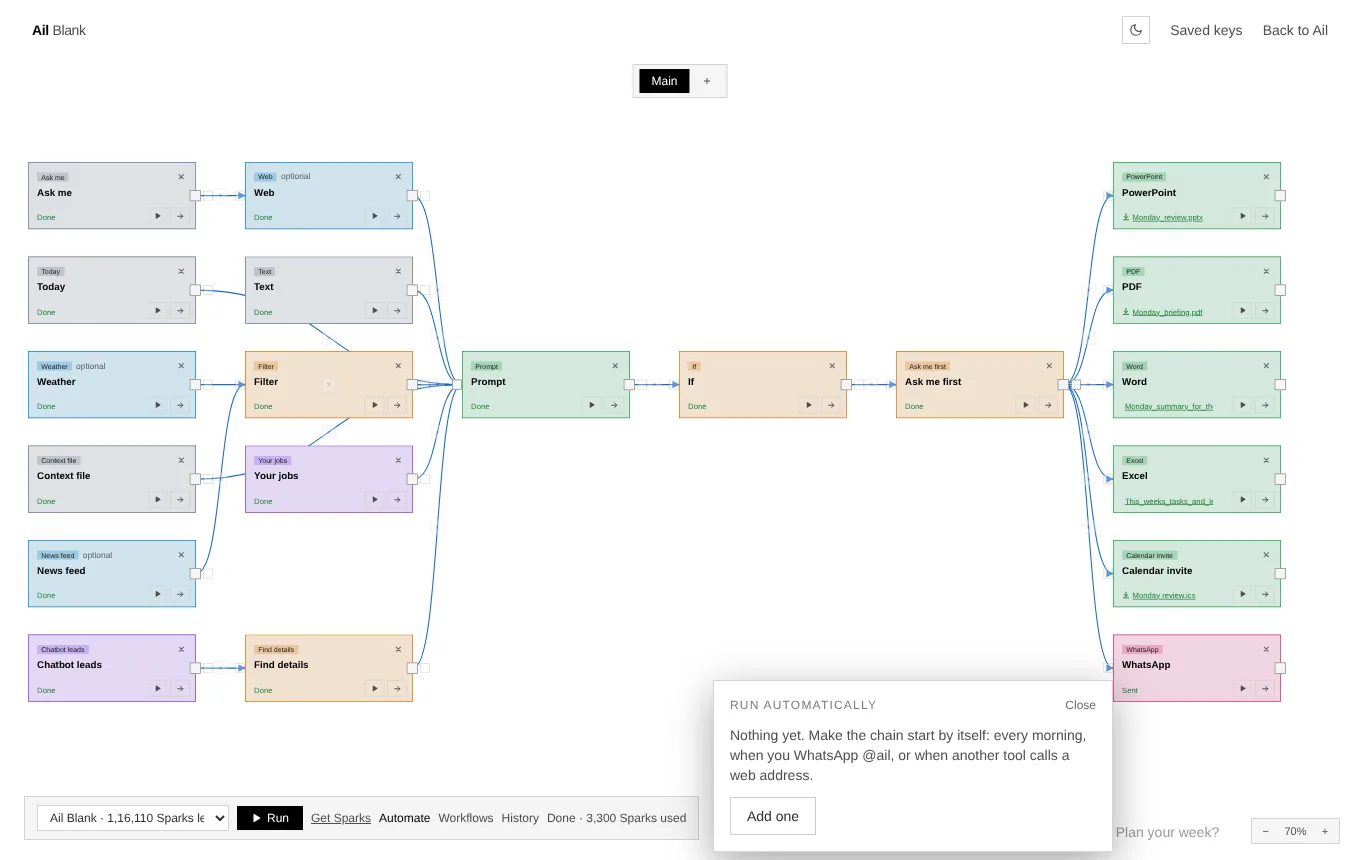
Pick a timetable, a WhatsApp keyword or a web address, and the same chain runs without you. Put an Ask me first card in it and it still checks with you.
Say it in words
Not in the mood to build? Just say it
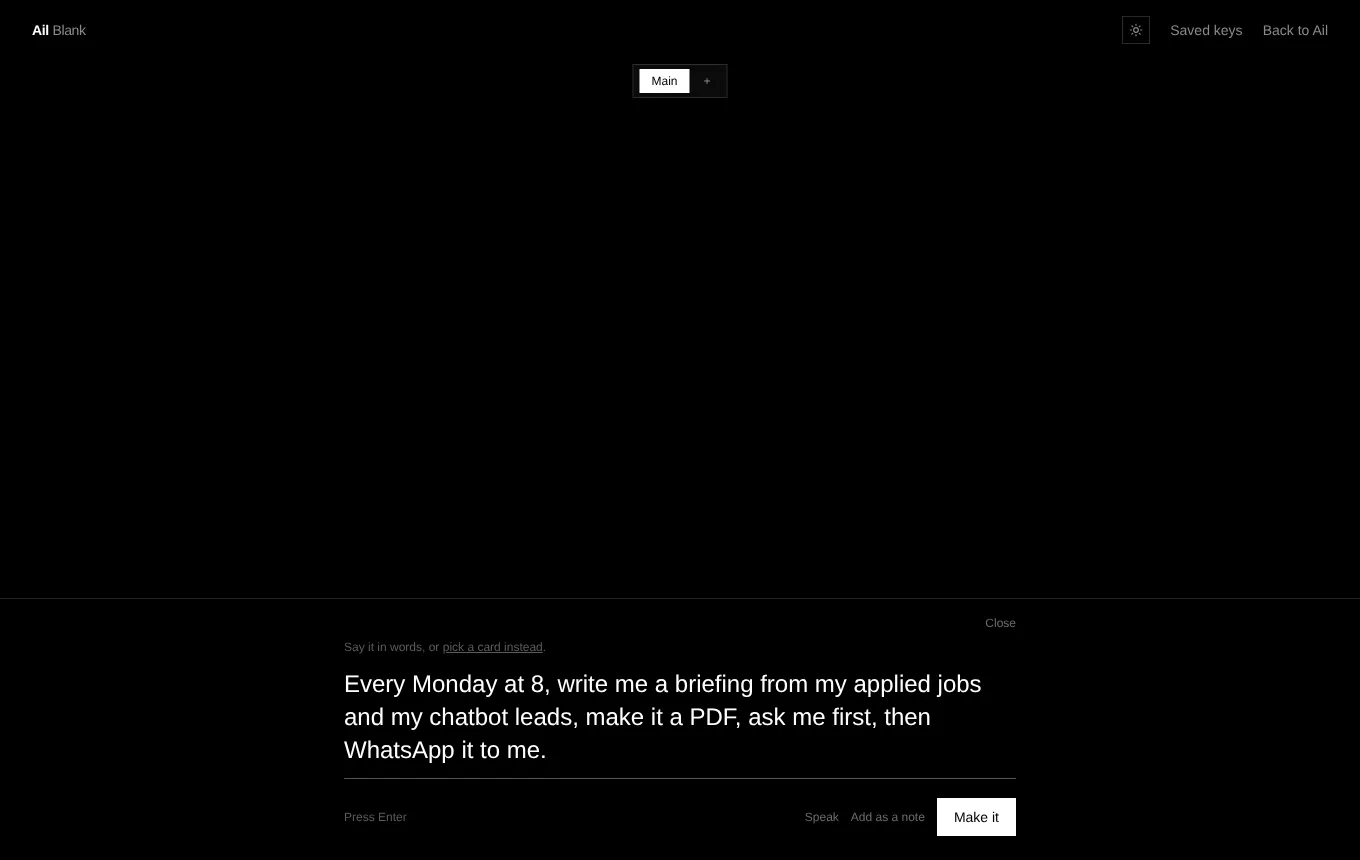
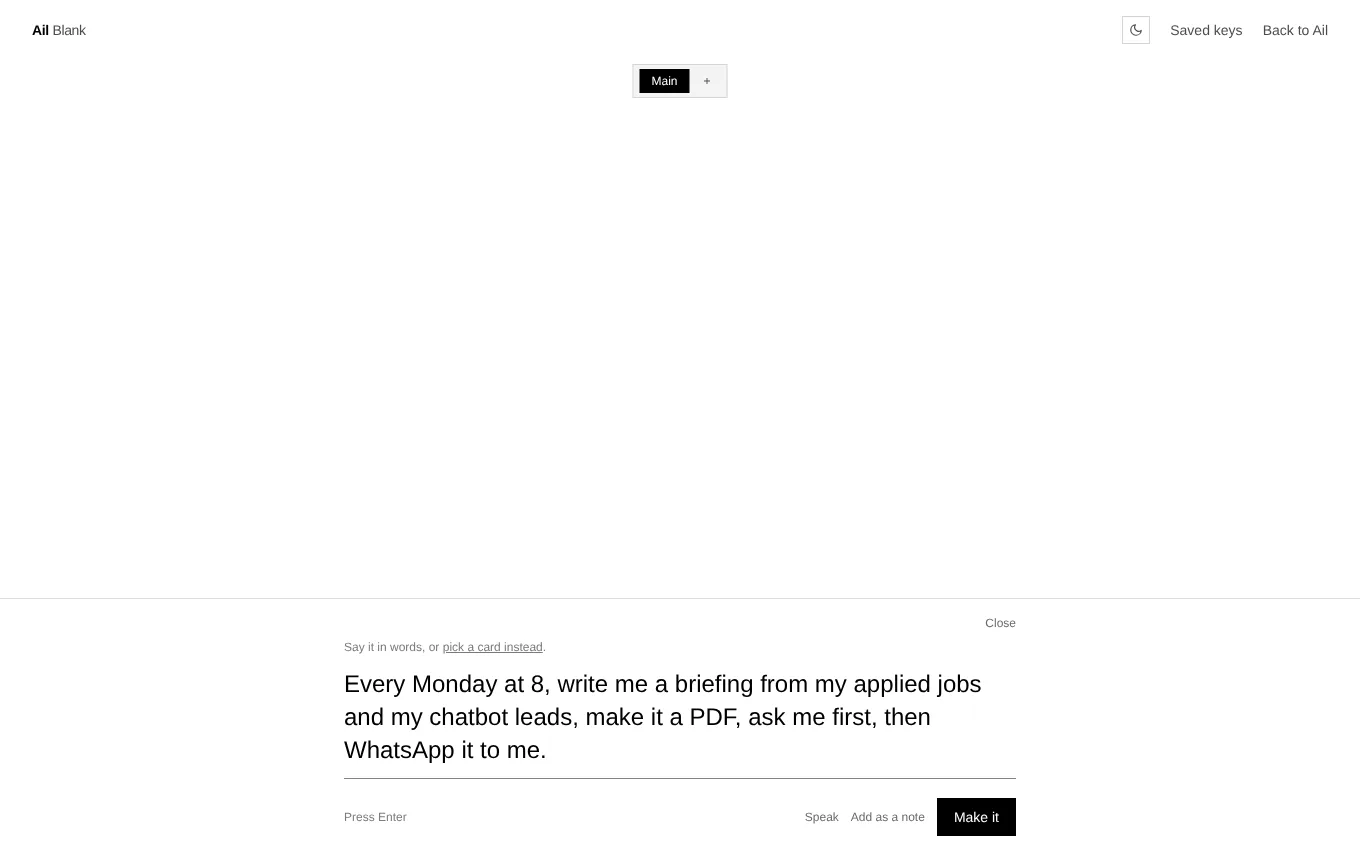
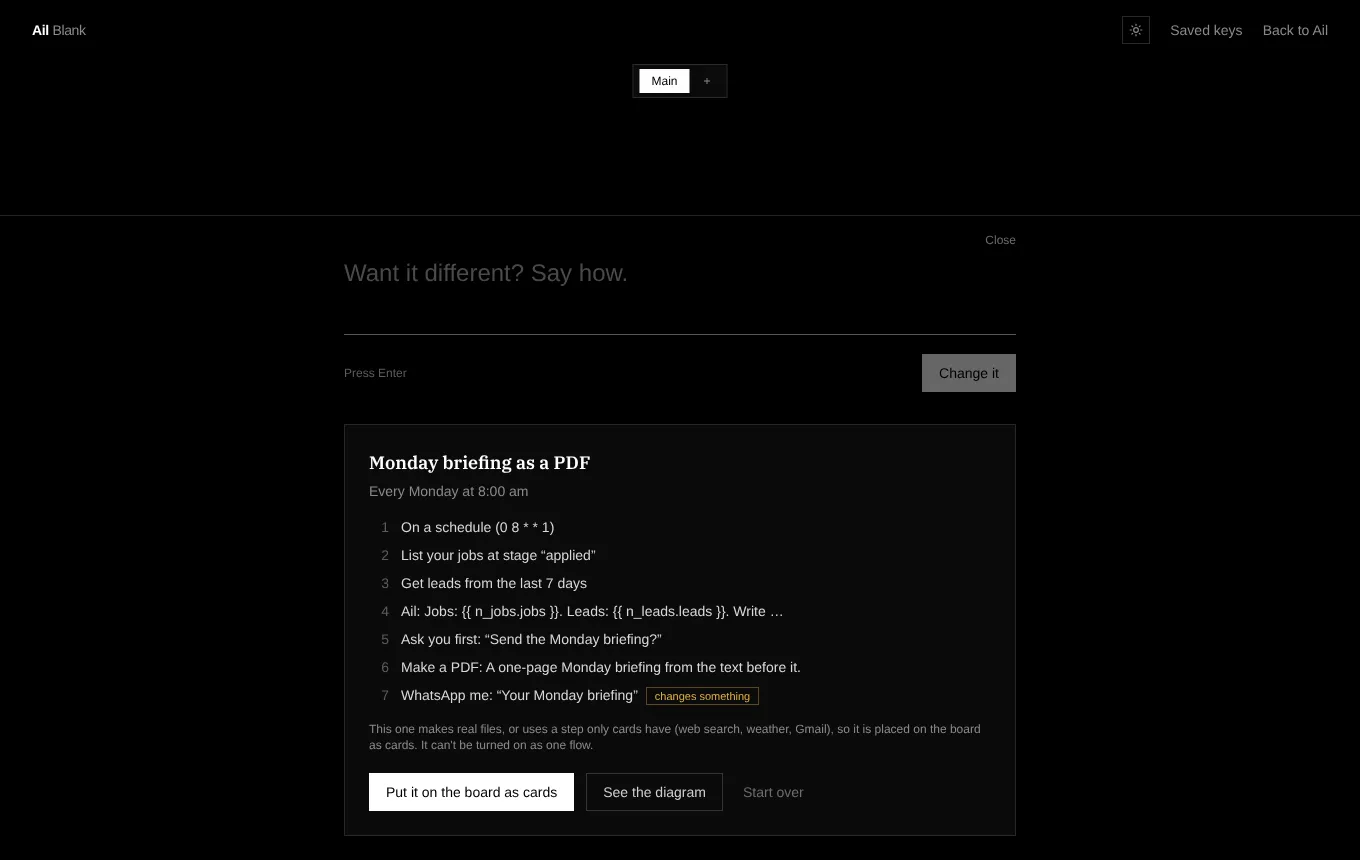
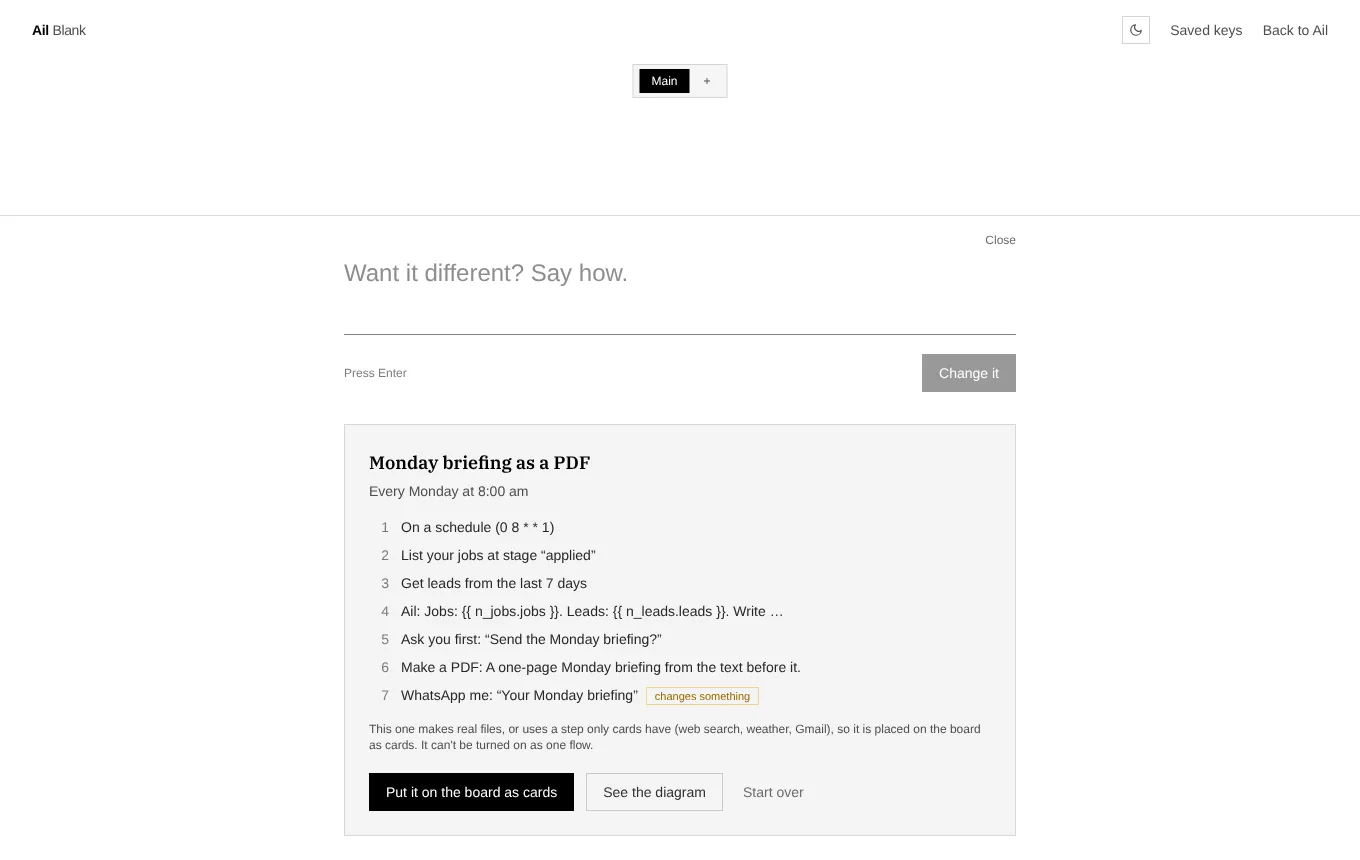
Type what you want in the box at the bottom. Ail drafts a plan in plain steps, you read it, and one press puts it on the board as cards you can still change. It will also make real files, search the web, check the weather and send from Gmail this way.
Ask me first
It checks with you before it sends
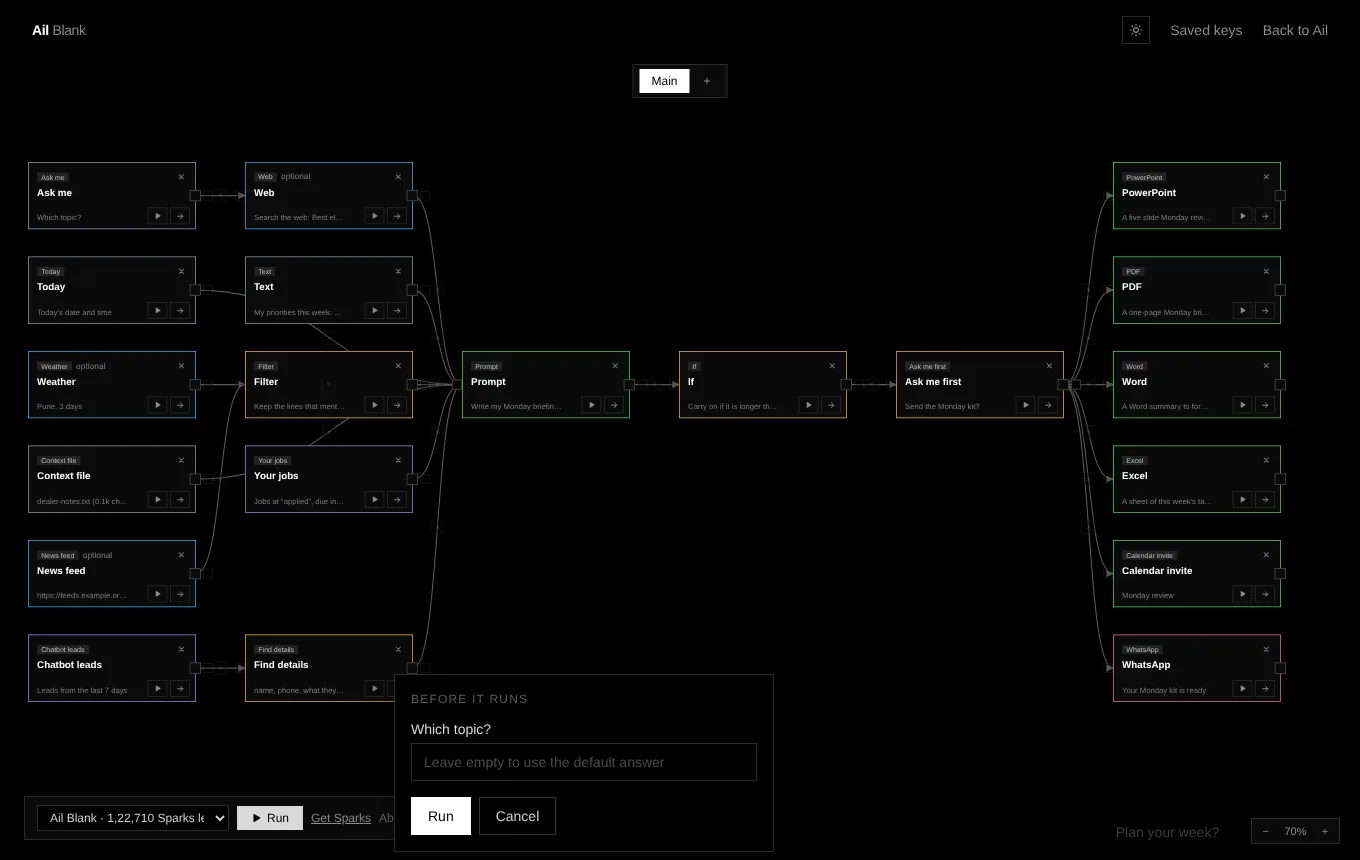
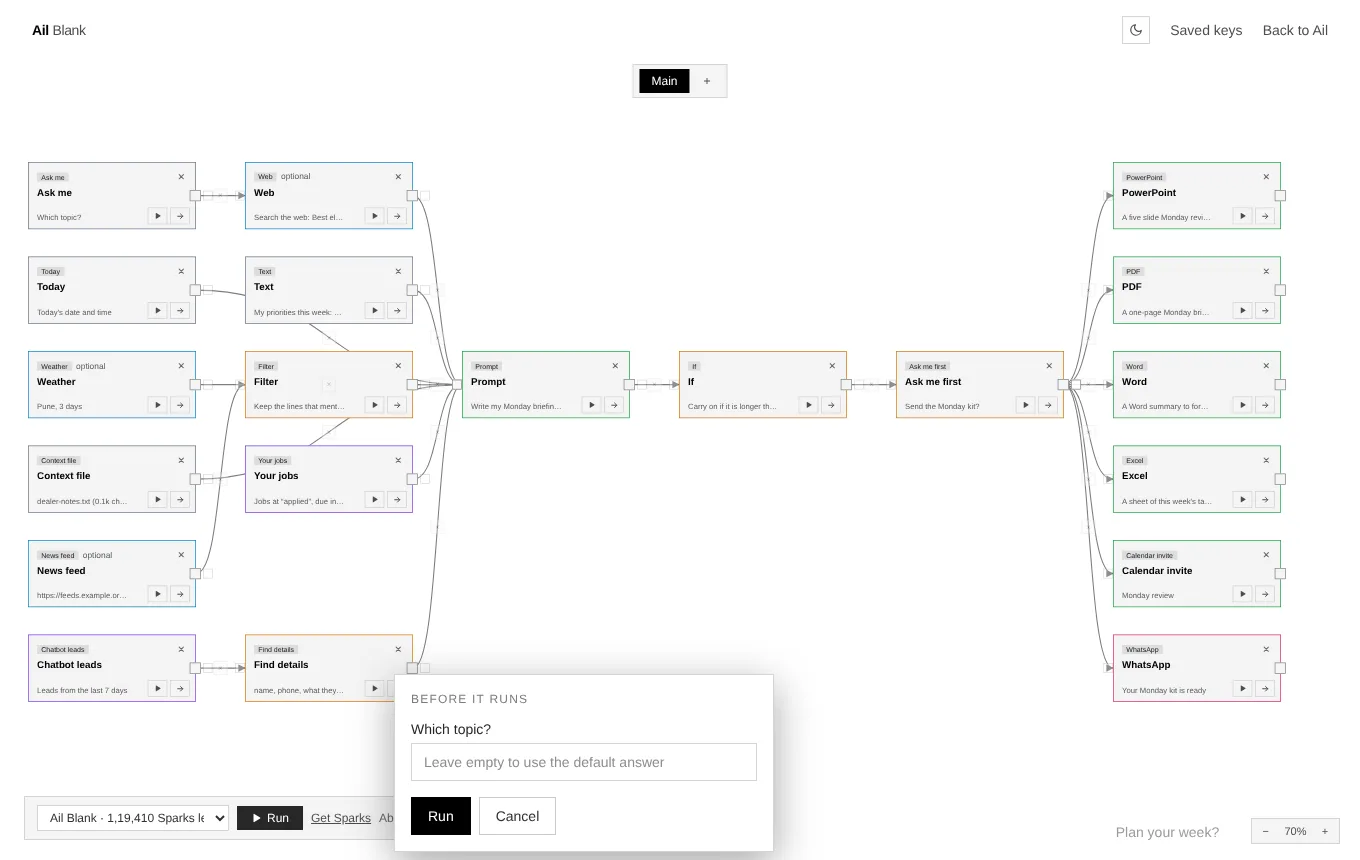
Put an Ask me first card before anything that leaves your hands. The run stops there. Press Yes on the screen, or, when the chain runs by itself, Ail asks you on WhatsApp and you answer there.
- Say yes and the next cards carry on.
- Say no and the run stops, with nothing sent.
- Cards marked optional are skipped if they fail, so one broken page does not spoil the rest.
- If a card that matters fails, the run stops there: try it again, skip it, or fix it and carry on from that card.
- Before you press Run, the bar shows about how many Sparks it will use.
Everything it can do
Seven kinds of cards, one screen
Each card is small and does one job. Chains are how they become powerful.
Provide
Give a chain what to work with: your words, a question, a file, a photo.
Fetch
Bring in what you need from outside and from your Ail apps.
Think
Sort, reshape and make sense of what comes in.
Build
Turn it into real things: decks, documents, workbooks, a chatbot.
Decide
Choose what happens next, and stop to ask you first when you want.
Deliver
Get the result to where you will see it.
Automate
Set it once. It runs on a timetable, on a WhatsApp message, or when something happens.
Community chains
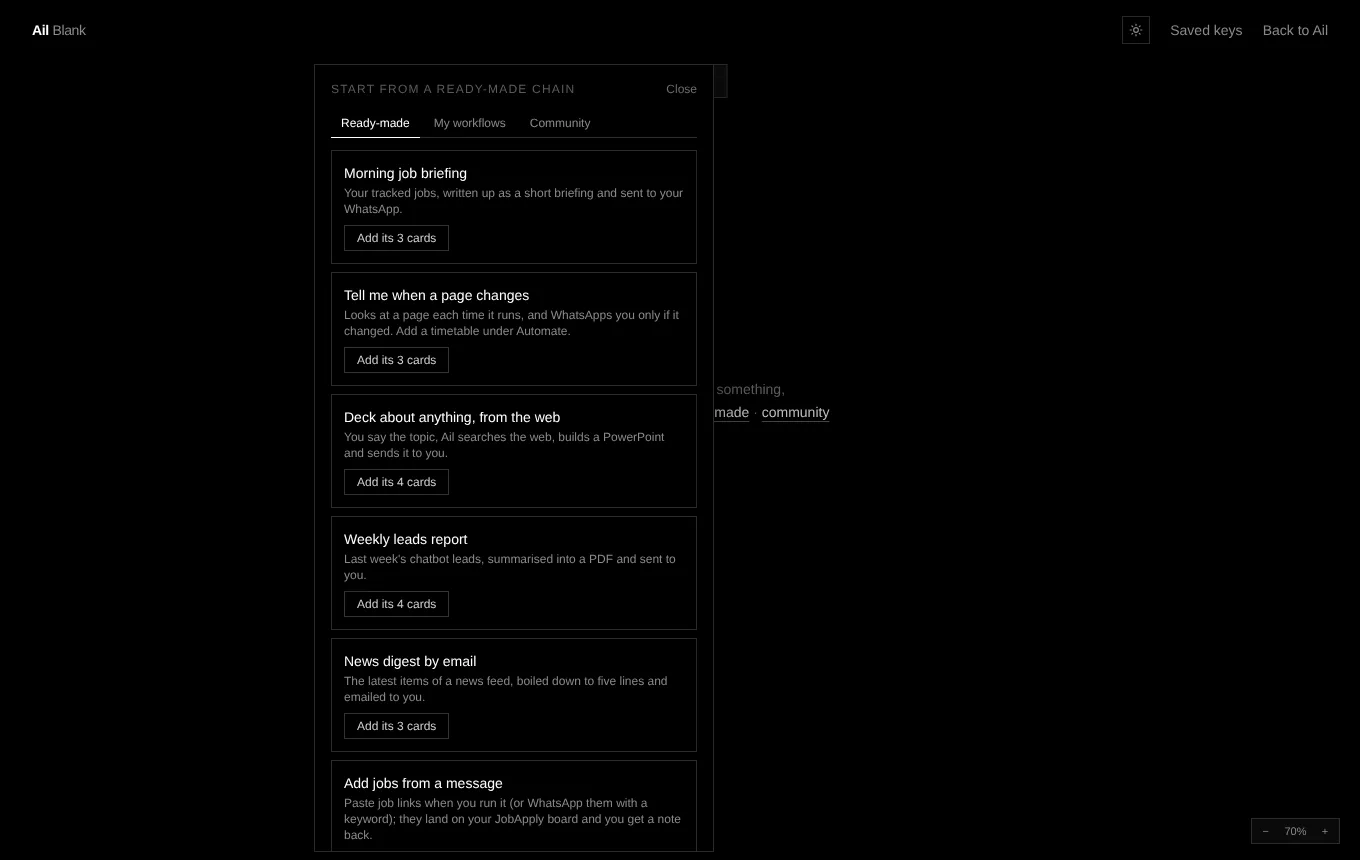
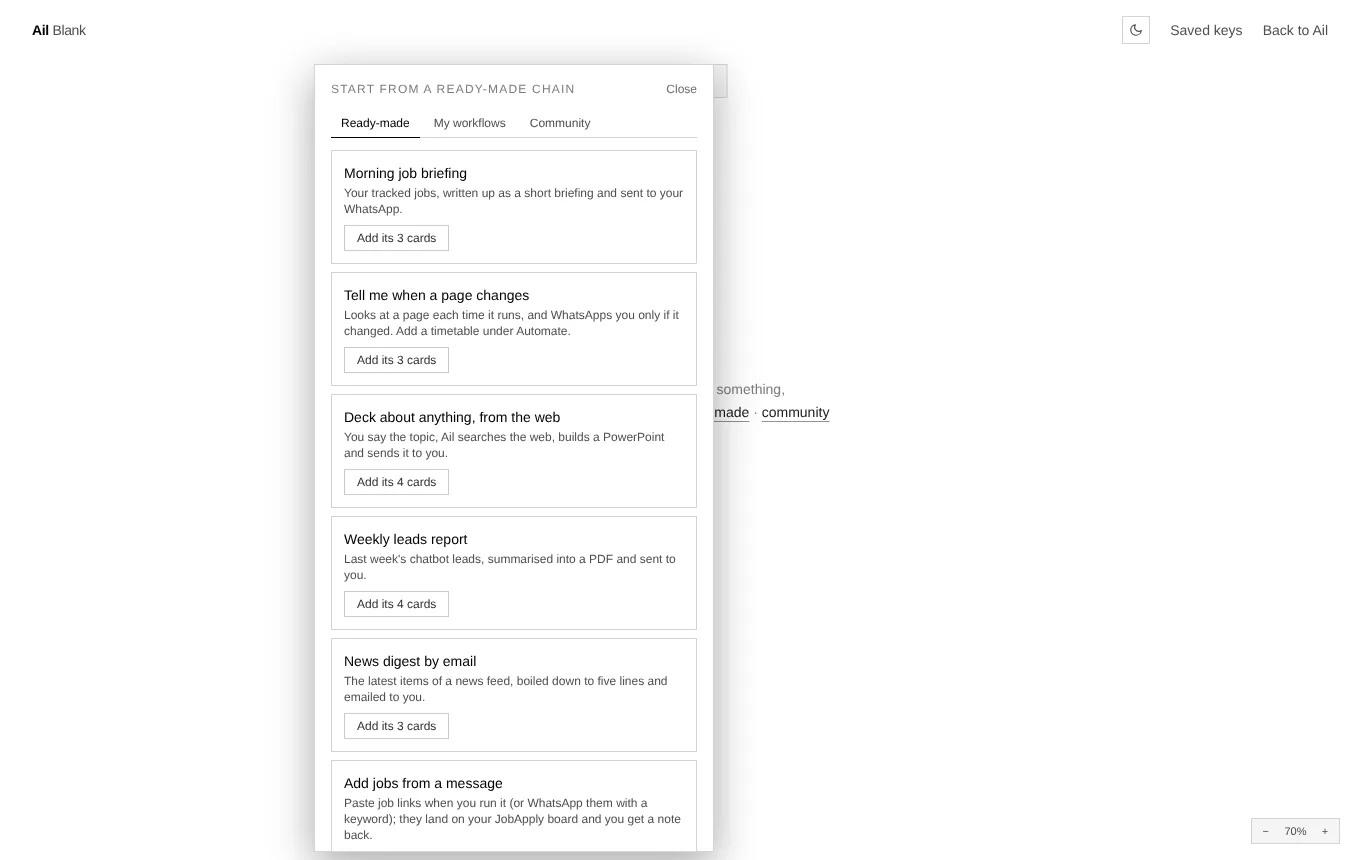
Start from ready-made chains that other people have shared. Add one in a click, then make it yours.
More of the app
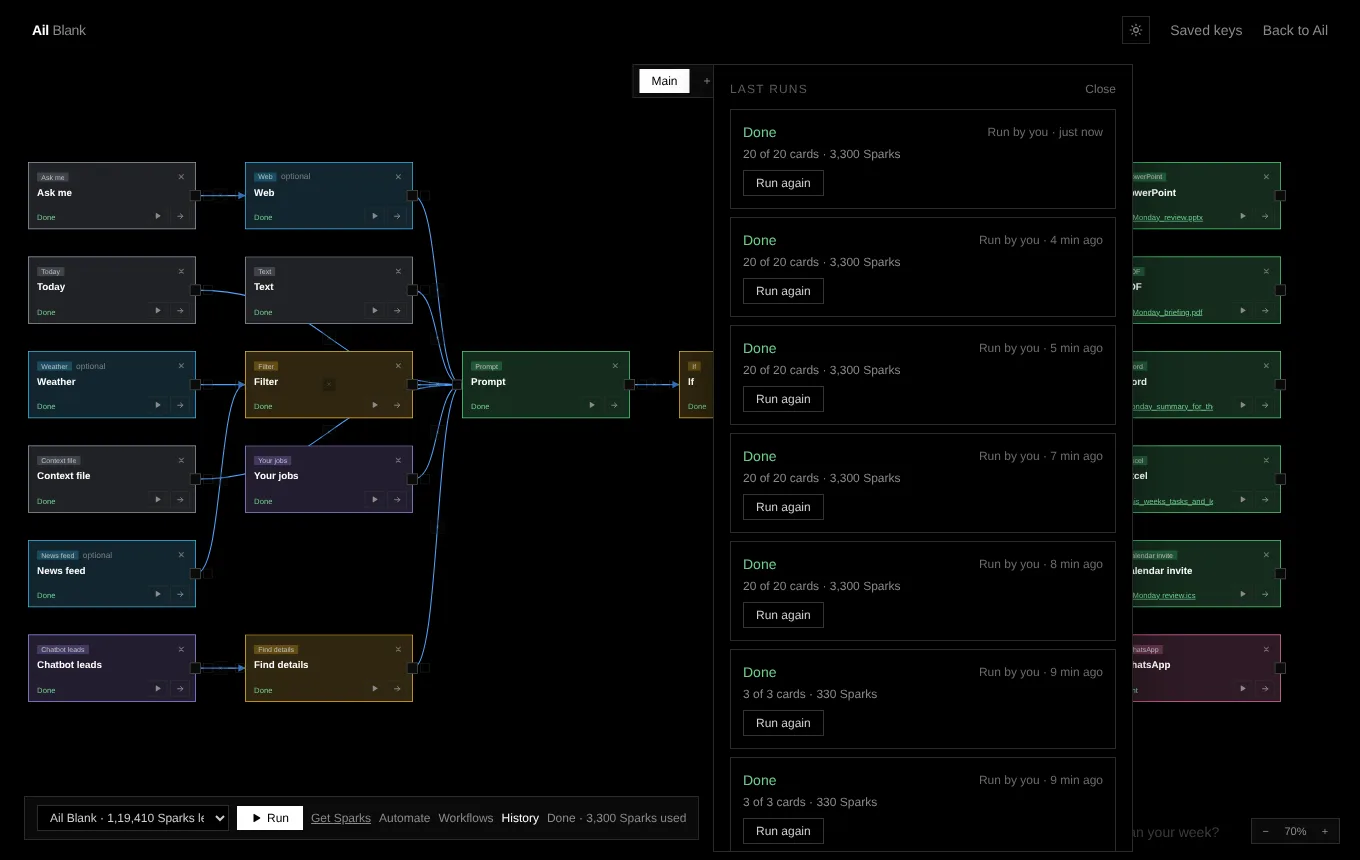
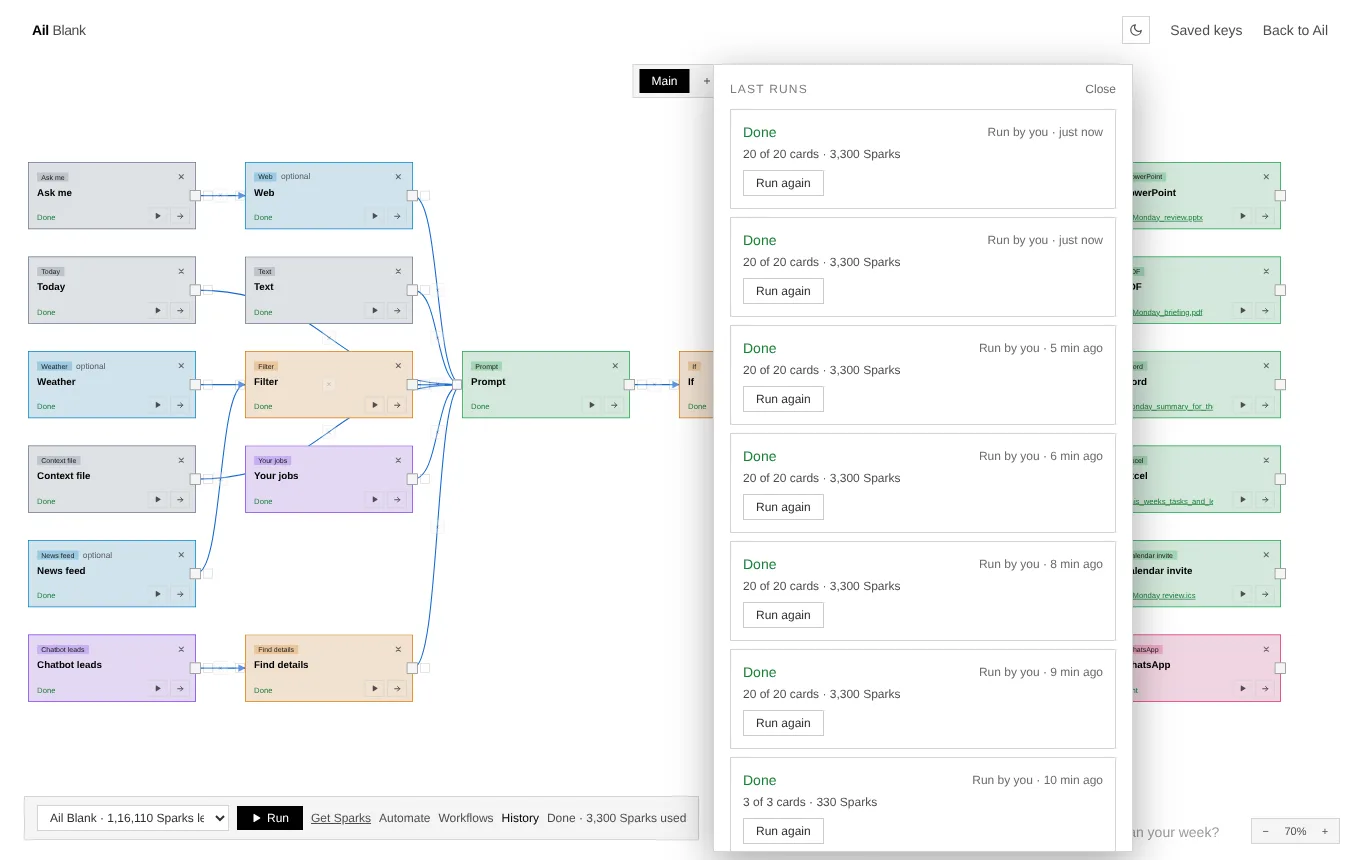
Menus, ready-made chains, timetables and history
Price
No subscription. Pay for what you run.
Ail Blank runs on Sparks, the same pay-per-task idea as the rest of Ail. Buy a pack once and spend it as you go, or run it from an Ail package you already own.
Basic
₹99
A pack of Sparks for trying chains out.
Standard
₹249
For chains you run most weeks.
Premium
₹499
For heavier use, files and big lists.
Each run shows its estimate first. Heavy cards, like files and web pages read in a real browser, use more than light ones.
Frequently asked questions
Everything you need to know before getting started.
What is Ail Blank?+
Ail Blank is a black screen inside Ail where you build things from cards and arrows. Each card does one job, like writing with AI, making a PDF or sending a WhatsApp message. You join cards with arrows, press Run, and the result of each card goes to the next. You can also just say what you want and Ail puts it on the screen as cards.
Do I need to code?+
No. You add cards, type or pick what each one should do, and join them. If you would rather not build it yourself, type what you want in the box at the bottom and Ail drafts the cards for you to look at before anything runs.
What can the cards do?+
There are seven kinds. Provide gives a chain what to work with. Fetch brings in what you need from outside and from your Ail apps. Think sorts and reshapes it. Build turns it into real things, like a PowerPoint, a PDF, a Word file, an Excel workbook or a chatbot for your business. Decide chooses what happens next, and asks you first when you want. Deliver sends the result to your WhatsApp, your email, or anyone from your own Gmail. Automate runs the whole chain by itself.
Can it run on its own?+
Yes. Open Automate and pick a timetable (in India time), a keyword you text Ail on WhatsApp, or a web address another service can call. Every run is kept in History, and you can run an old one again.
Will it send things without asking me?+
Only if you let it. Put an Ask me first card in the chain and it stops there until you say yes, on the screen or by replying on WhatsApp. Anything marked optional is skipped if it fails, and a card that is not ready turns red and blocks Run until you fix it. If a card fails, the run stops at it: you can try that card again, skip it, or fix it and carry on from there, and nothing before it runs again.
What does it cost?+
There is no subscription. You buy Sparks in a pack of 99, 249 or 499 rupees, or run it from an Ail package you already have. Before you press Run, the screen shows about how many Sparks the chain will use.
Which Ail apps does it connect to?+
Ail JobApply (your tracked jobs, and adding new ones), Ail for Business (your chatbot leads), Ail Files (the PowerPoint, PDF, Word and Excel engines) and your Gmail, using the same Google access as Ail JobApply's mass mail. The first time you add a Gmail card, Ail asks for that access.
Is there anything it cannot do yet?+
It does not place orders in apps like Swiggy or Zepto, write to your Google Calendar or Sheets, read your Gmail, make pictures, or run code. WhatsApp goes to your own number; to reach other people, use the Gmail card.
Can I start from an example?+
Yes. There are ready-made chains, such as a morning job briefing, a weekly leads report, a news digest, a page-change alert, a voice note turned into clean notes and a chatbot made for your business, and community chains that other people have shared. Pick one and it appears on the board for you to change.
Can any card be joined to any other?+
An arrow can go into a card that reads what comes in: a Prompt, the file makers, the senders, the web and the thinking cards. Cards that start a chain, like Text, Ask me, Context file, Photos and Today, use only what is set on them, so they can't take an arrow, and the screen says so when you try. Photos you add at the start can still end up in a PowerPoint made at the end.
Can I share what I build?+
Yes. Save a board as a workflow, then choose who can see it: only you, anyone with the link, or the community, where anyone can search for it by name. Opening a link adds the workflow to that person's list in Ail Blank, and if they have no Ail account they sign up first and it is added right after. Your files, photos, saved keys and addresses are never shared, so whoever adds it fills in their own.
How do I get in?+
Sign in to Ail with Google or your phone number and open Ail Blank. Everyone with an Ail account can use it.
Still have questions? Email us at info@ailighthouse.in
Part of AI Lighthouse
Start from a blank
Ail is a pay per task AI platform with no subscription and tokens that never expire. Sign in, open Ail Blank and put your first card down.